Gallery
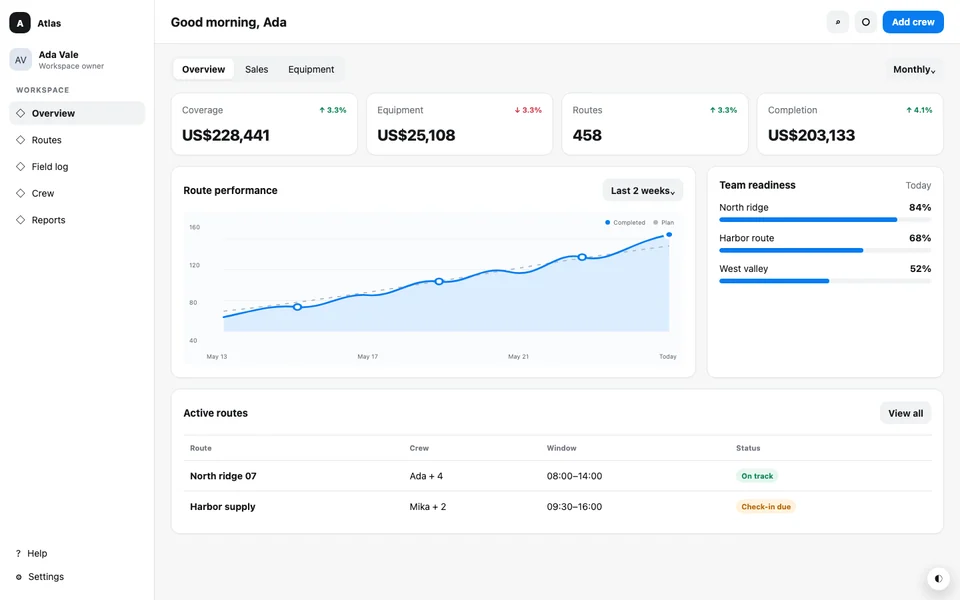
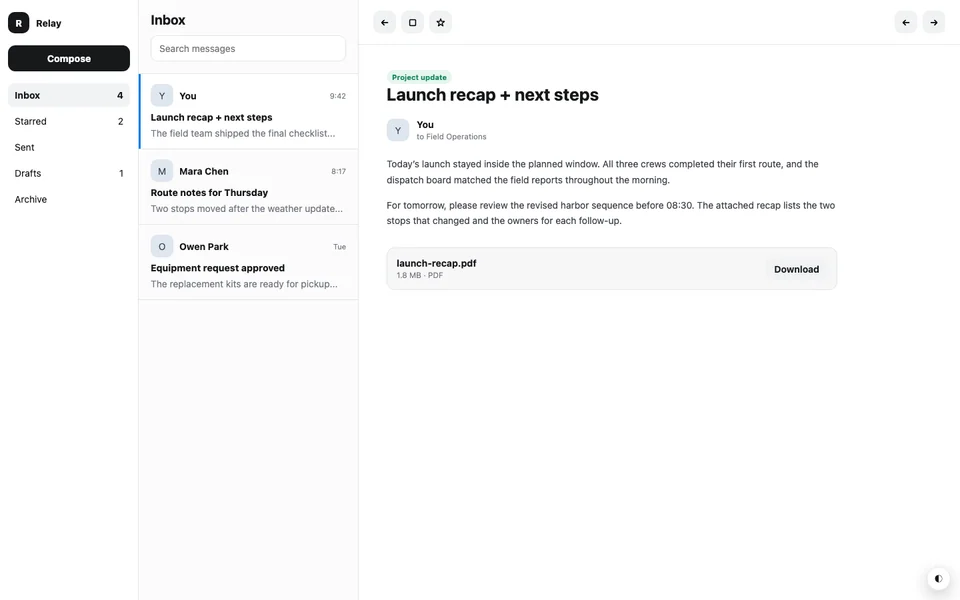
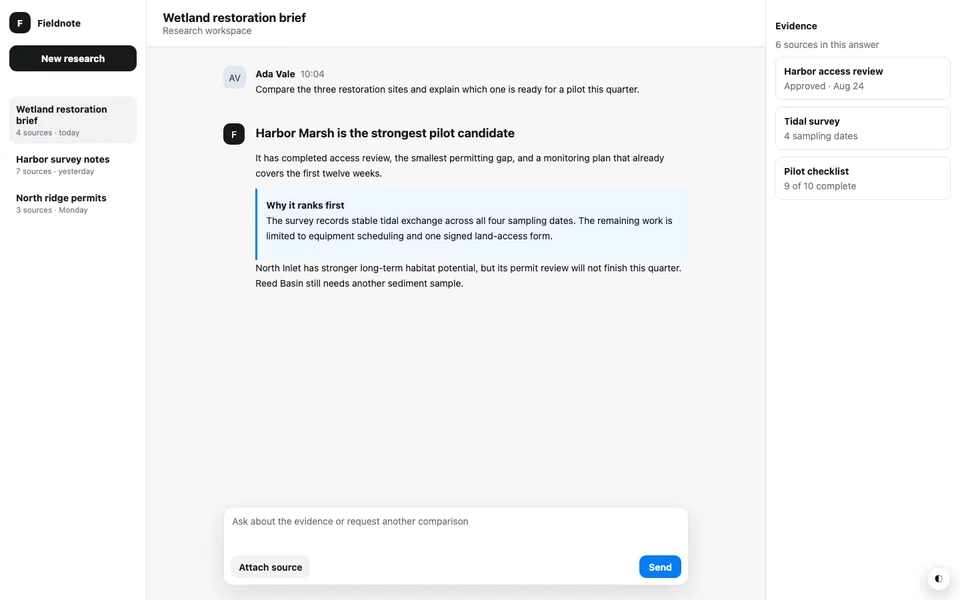
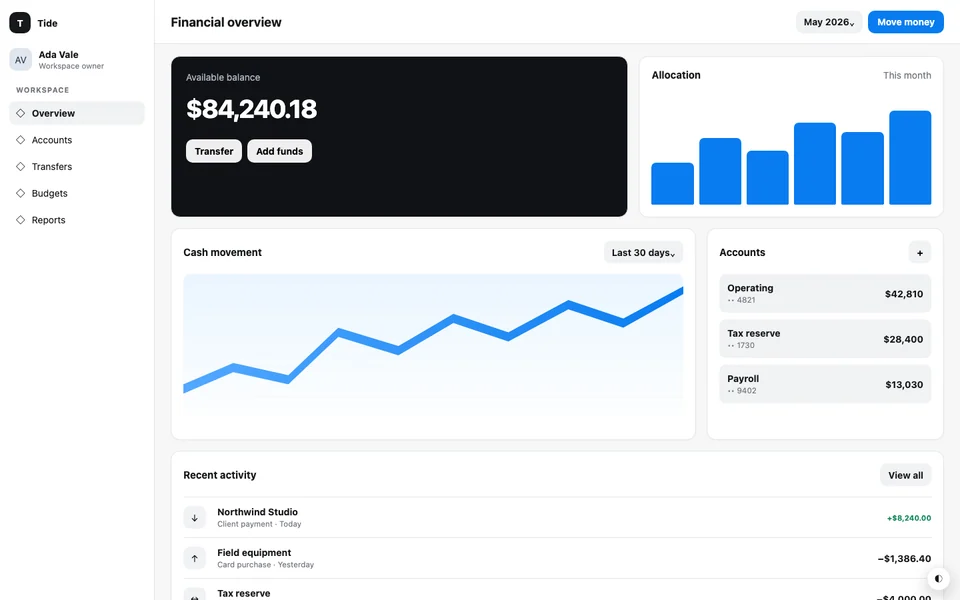
Explore webpage designs and DESIGN.md examples.
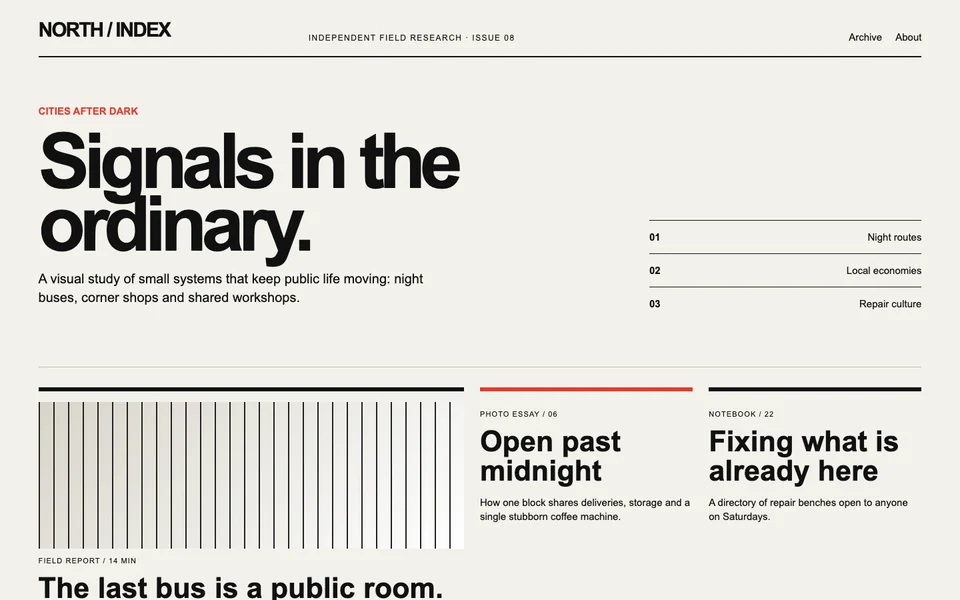
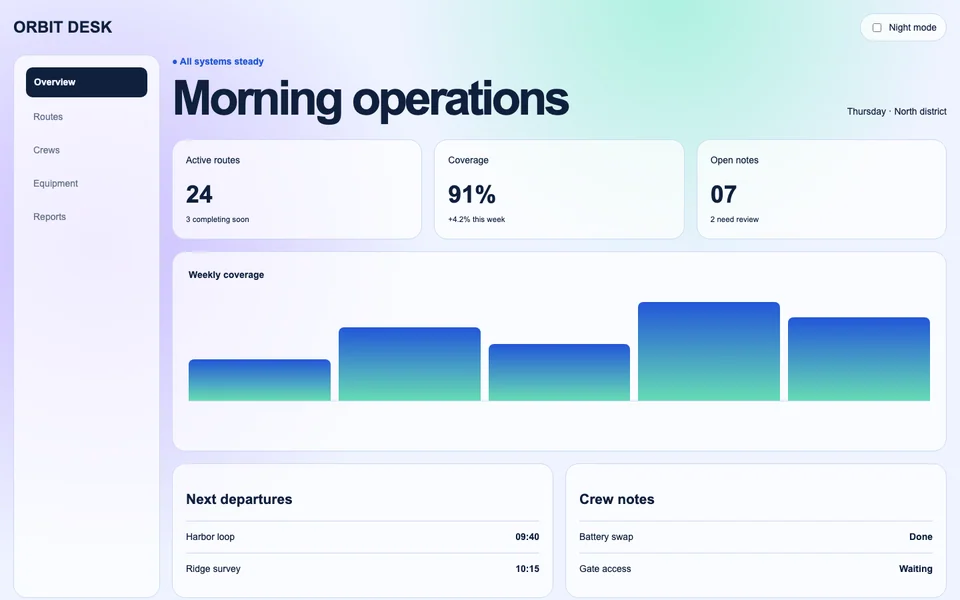
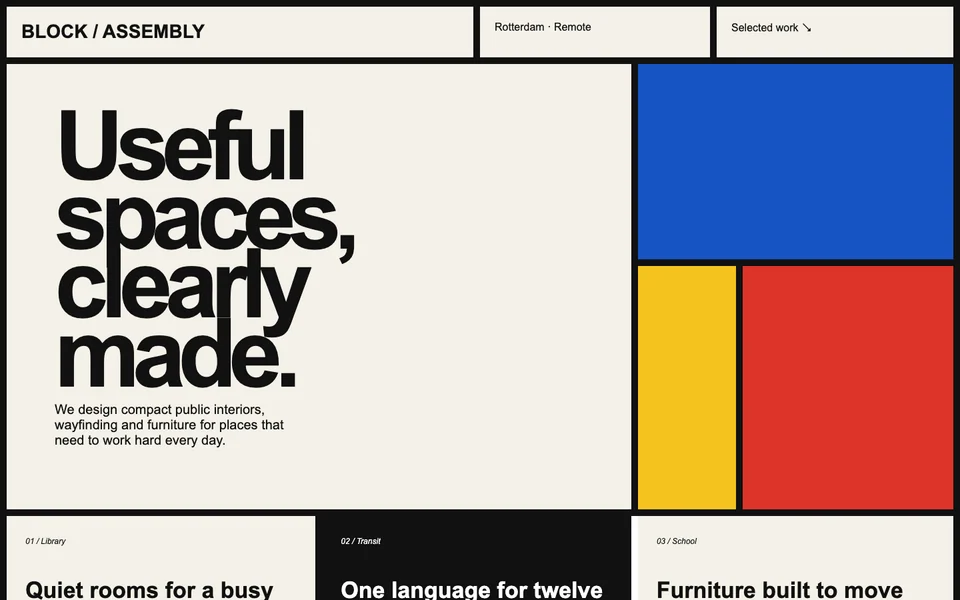
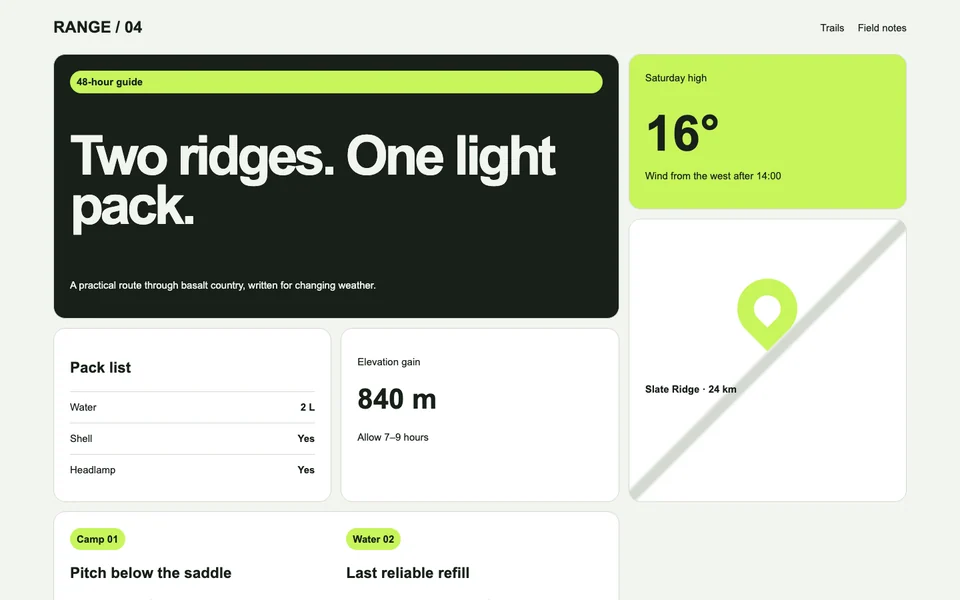
Every example here starts from a CloneAny-owned page that permits reuse. Each detail page shows the real source, the static clone generated from one capture, and the DESIGN.md you can give to an AI coding tool.
How to inspect a result
On a detail page, switch between the source and clone, then inspect desktop and mobile layouts. Open DESIGN.md to see the colors, type, spacing, and component facts recovered from that same page.
What these examples prove
They show how different information structures, responsive layouts, and visual languages carry into working Tailwind projects. Results come from deterministic capture and compilation, not an AI guessing from a screenshot.
Limits to keep in mind
Gallery covers the current public page, not a recursive copy of an entire site. Static results remove source scripts and form submission behavior, so complex backend interactions need to be rebuilt in your project.
Extract your own webpage
Enter a public page you own or have permission to use. Get a Tailwind CSS v4 project and DESIGN.md. No signup required.
Use this workflow for your own page
Turn your public webpage into a project, then give the source and DESIGN.md to your coding tool. These guides walk through the steps.